What Is the Smallest Gaming Setup That Still Feels Good?
If you're a gamer looking to squeeze your gaming setup into a cozy corner of your home without compromising comfort or style, this guide is for you. The quest for the smallest gaming setup that still feels good is more than just packing gear into minimal space—it's about smart design, essential measurements, and ergonomic priorities that elevate your experience.
Before buying any new gear, I always ask: What do you actually use every day? Planning around hypothetical future purchases gets messy fast and can lead to cluttered, uncomfortable spaces. Instead, focus on designing your setup around the equipment you have right now.
In this post, we’ll explore:
- Why desk depth and viewing distance matter for gaming
- How to choose a compact desk with room to breathe—especially legroom
- The importance of a good chair and chair clearance in tight spaces
- How tools like monitor arms and wall-mounted shelves optimize space
- Insights from ergonomics experts like the Chartered Institute of Ergonomics & Human Factors
- Why one monitor is often best for the smallest, most comfortable setups
Design Around Your Current Gear—not Future Shopping Lists
When I chat with gamers about minimizing their setup footprint, the number one mistake is buying a desk or chair based on “future-proofing” for gear they don’t currently own. This approach creates wasted space or forces awkward compromises. Instead, start by cataloging what you have:
- One or two monitors? (Spoiler: One monitor plays perfectly well in small spaces.)
- How large is your keyboard and mouse?
- Do you use peripherals like headsets, speakers, or a gamepad you want always reachable?
Once you know what equipment you use daily, measure each piece. This data helps you pick the smallest desk dimensions that still fit your gear without crowding. DimensionzHub.com offers many sizing charts and guidelines dedicated to gaming gear dimensions, which make this step straightforward.
Also note: if you plan to swap gear frequently but don’t use larger setups now, don’t design your space around that future gear. The Chartered Institute of Ergonomics & Human Factors stresses designing for current user needs to avoid ergonomic mismatches and discomfort.
Desk Depth & Viewing Distance—Balancing Comfort and Space
Desk depth is far more important than width for gaming setups. A narrow but deep desk can feel cramped because your monitors are too close or mouse space is limited.
How Much Desk Depth Do You Really Need?
Setup Component Recommended Minimum Depth (inches) Reason Monitor (24"-27") 20-28 Maintains an appropriate viewing distance (~20-30 inches) Mechanical Keyboard 8-12 Room for wrist and mouse movement, prevents edge crowding Mouse space 10-12 Allows smooth, unrestricted mouse motions without overlapping keyboardDepending on your setup, aim for at least 24 inches depth on your desk to keep your monitor at a comfortable viewing distance without feeling claustrophobic. Shallow desks often push screens too close or force you to hunch forward.
Why Viewing Distance Is Key
Proper viewing distance reduces eye strain and enhances immersion during gaming. The Chartered Institute of Ergonomics & Human Factors recommends viewing distance be roughly 1.5 to 2.5 times the diagonal size of your monitor. So, for a 24-inch screen, that’s about 36-60 inches, but in practical constrained spaces, targeting 20 to 30 inches works well.
If your desk is too small, you might try a wall-mounted monitor arm. This tool lets you push your screen further back or adjust height without needing a deep desk footprint.
Compact Desk & Chair Clearance—Don't Overlook Movement
For gaming setups, it’s not just about how small the desk footprint is—it’s about leaving enough room for your legs and allowing comfortable chair adjustments.
No matter how compact your desk is, if you’re cramped under it, it ruins your gaming comfort. Make sure you account for clearance both from the floor up and from the desk edges outwards for chair swivel and leg movement.
Recommended Chair Clearance Dimensions
- Height clearance: Standard desks offer about 27-29 inches under the surface—enough for average chairs. If you pick a compact desk, double-check the clearance to avoid tight squeezes.
- Depth clearance: Allow a minimum of 18 inches or more between your chest and the desk edge when sitting.
- Side clearance: Give at least 6 inches on each side so your arms and chair can move freely without bumping walls or shelves.
Shopping for a good chair designed for small spaces can also help. Companies like MRQ (mrq.com) offer ergonomic chairs built to fit tight gaming corners without sacrificing back support or adjustability.
Remember: Your chair is arguably the most critical ingredient for gaming comfort. Don’t trade ergonomics for looks or "matches the desk color." That’s a quick way to ruin your setup’s dimensionzhub.com feel.
Smart Tools: Monitor Arm and Wall-Mounted Shelves
If every inch counts, two tools stand out as your best friends to achieve a sleek, uncluttered, and ergonomic gaming area:
Monitor Arms
- Frees up desk surface by lifting your monitor off the desk
- Allows precise height, tilt, and distance adjustments to reduce neck and eye strain
- Enables sliding your screen backward to optimize viewing distance without needing extra desk depth
DimensionzHub.com has great guides on using monitor arms specifically for compact gaming setups. Just make sure your desk or wall can support the monitor arm’s weight and movement range.
Wall-Mounted Shelves
- Keeps smaller peripherals, controllers, and decorative items off your desk
- Frees up space for mouse movement and keyboard placement
- Creates a personalized gaming nook without additional furniture footprint
Wall-mounted shelves can also hold speakers, lighting accessories, or even headset stands. This declutters your prime desk real estate so your setup feels spacious rather than claustrophobic.
Why One Monitor is Often Best for Small Gaming Setups
While multiple monitors sound fancy, they require more desk surface area and often push your viewing angles out of an ergonomic zone. For the smallest setups, sticking to a single quality monitor is usually the best advice.
Benefits of one monitor in a compact space include:
- Better focus and immersion with less physical head movement
- Easier optimization of choice desk depth and viewing distance
- Simplified cable management, reducing mess that shrinks usable space
Plus, tools like monitor arms can tilt and rotate your screen for multitasking or switching between gaming and productivity modes.
Putting It All Together: Minimal Gaming Setup Example
Let’s summarize what a small but comfortable gaming setup looks like in practical terms:
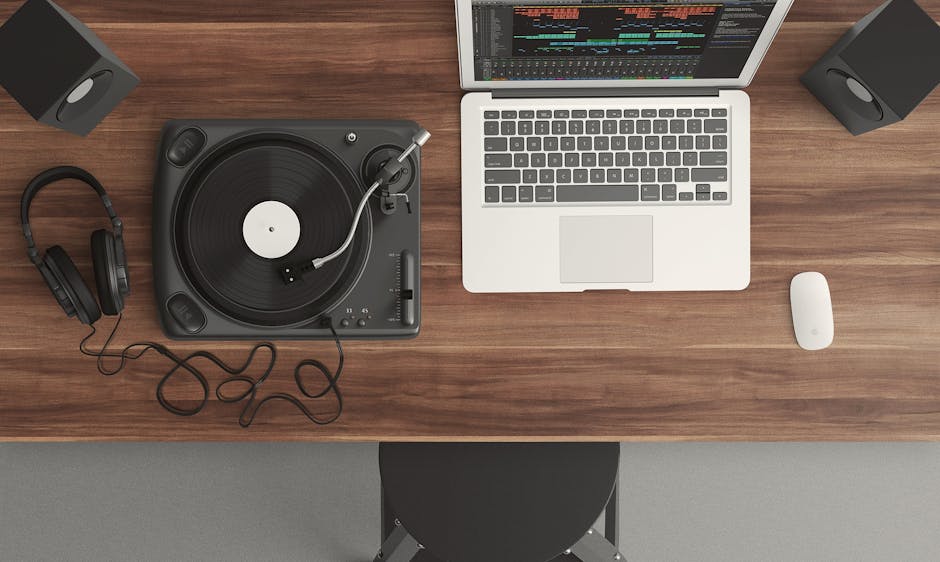
- Desk Size: 36" wide × 24" deep compact desk with ~27" leg clearance height
- Chair: Ergonomic gaming chair offering lumbar support and swivel that fits under desk without snagging
- Display: One 24"-27" monitor mounted on an adjustable monitor arm
- Peripherals: Mechanical keyboard and mouse sized for your hand, with mouse space of at least 8-10 inches
- Storage: Wall-mounted shelves to house headset, controllers, and decorative items
- Cable management: Minimal cables routed behind desk or secured with clips to keep desktop clear
DimensionzHub.com has interactive calculators you can try that let you input your gear dimensions and see what desk size fits best for your space. The Chartered Institute of Ergonomics & Human Factors encourages iterative testing—start with current gear, test your setup for comfort over days, and adjust monitor positioning or chair height as needed.
Final Thoughts
Building the smallest gaming setup that still feels good isn’t about squeezing your whole dream battlestation into a postage stamp. It’s about thoughtful choices centered around the gear you use today and maintaining comfort through smart measurements and ergonomic aids.
Before investing in that flashy oversized desk or extra monitor, really consider your daily setup needs. Use tools like monitor arms and wall-mounted shelving to increase usable space vertically without expanding your footprint.
Remember, the goal is freedom of movement, good posture, and clear sightlines—all packed into a compact footprint that fits your room and lifestyle.
By focusing on the essentials—a good chair, a compact desk with enough depth, and a single well-placed monitor supported by ergonomic principles—you can have a gaming setup that feels far bigger than its physical size.
For more detailed dimension guides and personalized advice, visit DimensionzHub.com and explore resources from ergonomic experts like the Chartered Institute of Ergonomics & Human Factors. Also consider checking the latest ergonomic chair options at MRQ that fit compact gaming spaces.